반응형
SELECT
SELECT = DATA ACESSING
지금 작업하고 있는 DB의 테이블 이름을 보여주는 SQL
show tables;
지금 작업하고 있는 테이블의 컬럼을 보여주는 SQL
desc tweets;
저장된 데이터를 가져오는 방법
( 별은 모든 컬럼 )
select * from books;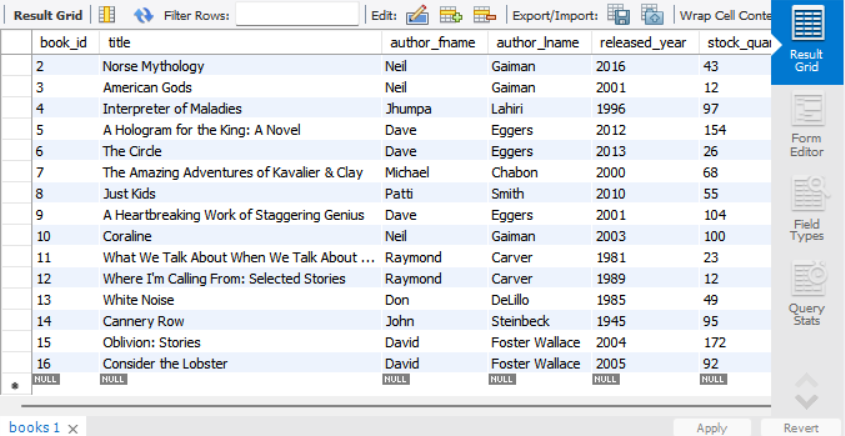
작가 이름을 가져오기
select author_fname, author_lname from books;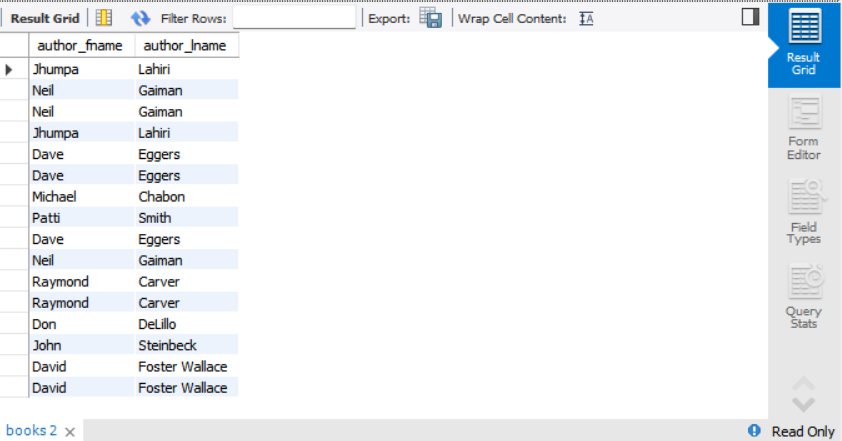
concat( )을 활용하여 Selecting 하기
concat( )
작가이름을 합쳐서 full_name으로 가져오기
(concat은 병합 / as 는 불러올때 컬럼의 이름을 지정하는 SQL)
select concat(author_fname, ' ' ,author_lname) as full_name
from books;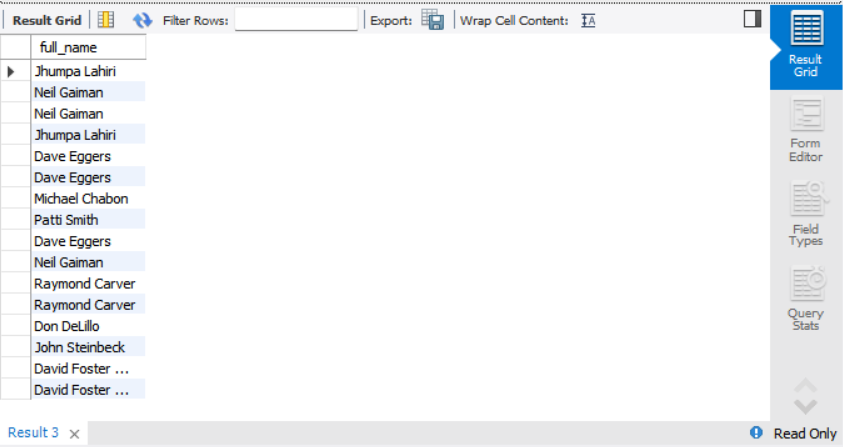
문자열의 일부분만 가져오기
(SLICING과 비슷)
제목을 처음부터 10글자 까지만 가져오기
select substring(title, 1, 10) as title
from books;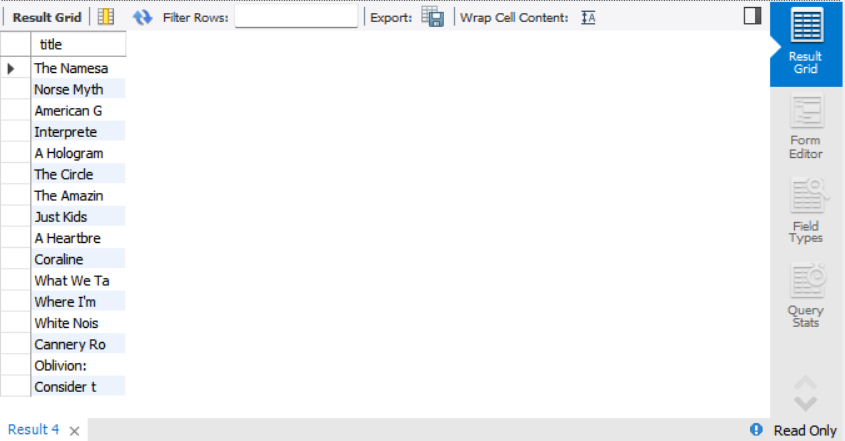
제목의 맨 뒤에서 5번째 글자부터 끝까지 가져오기
select substring(title, -5) as title
from books;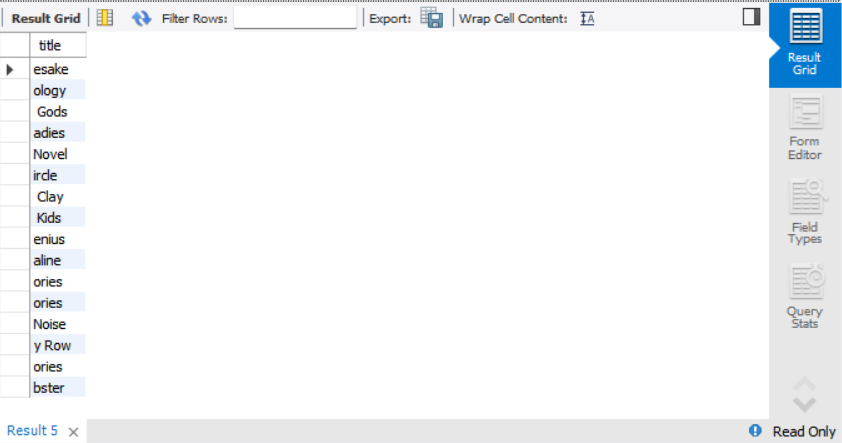
제목의 다섯번째 글자부터 12번째 글자까지 가져오기
select substring(title, 5, 12) as title
from books;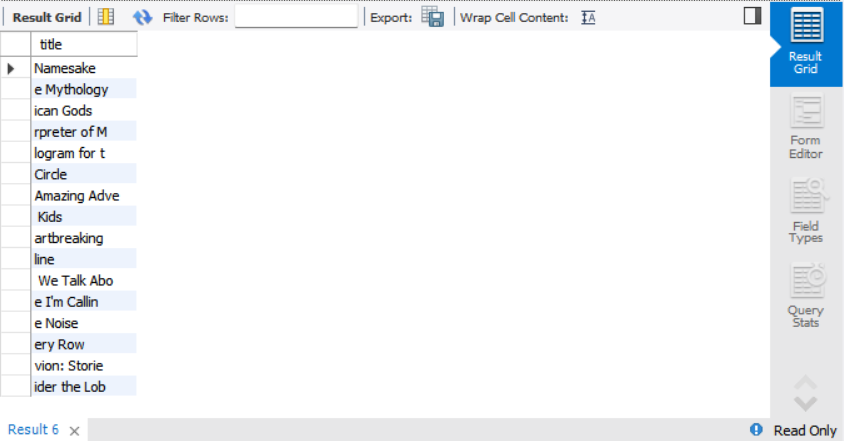
제목의 처음부터 10글자를 가져오되, 뒤에 ' ... ' 을 붙여서 가져오기
select concat( substr(title, 1, 10), '...' ) as short_title
from books;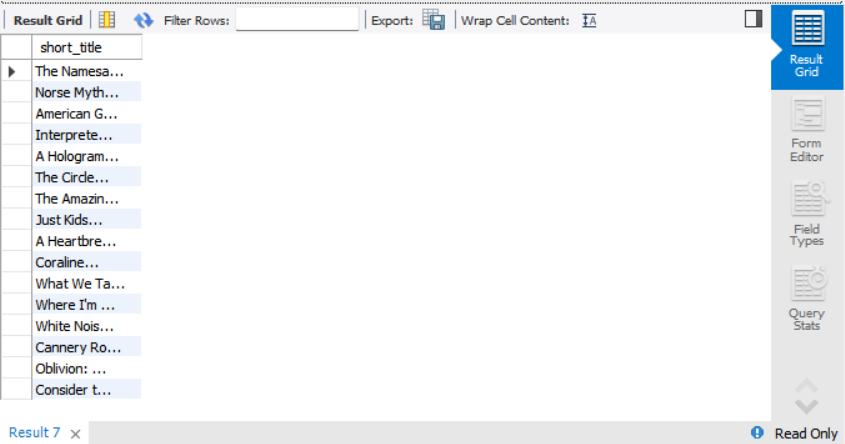
replace( )을 활용하여 selecting 하기
replace( )
'나쁜놈아 그렇게 살지마라'
select replace('나쁜놈아 그렇게 살지마라', '나쁜놈', '***') as 예시;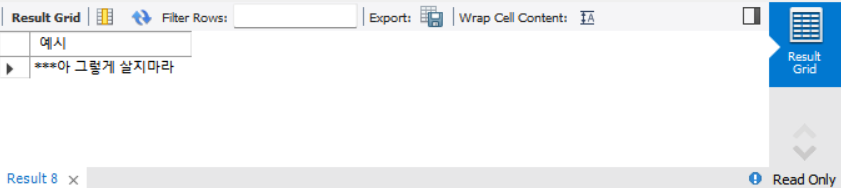
title컬럼에 들어있는 e 를 숫자 3으로 변경해서 가져오기
select replace( title, 'e', '3')
from books;
reverse( )를 활용해서 Selecting 하기
reverse( )
문자열의 순서를 거꾸로 뒤집는 함수
hello => olleh
author_fname을 뒤집어서 가져오기
select reverse(author_fname)
from books;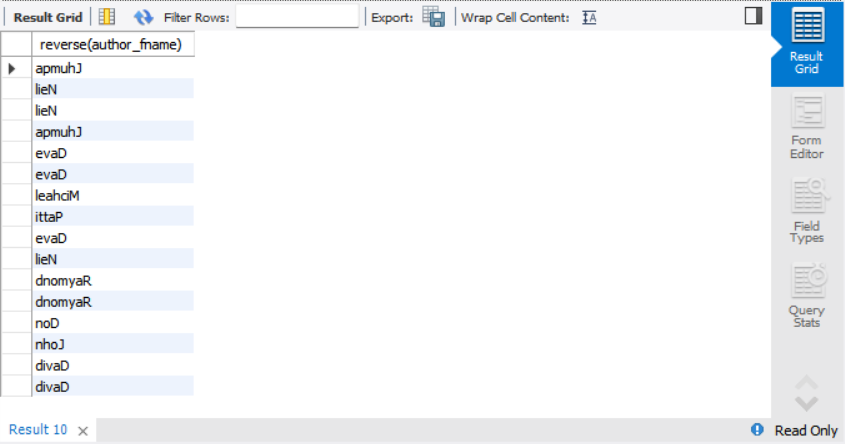
char_length( )를 활용해서 Selecting 하기
책 제목의 길이를 구하기
select char_length(title) as length
from books;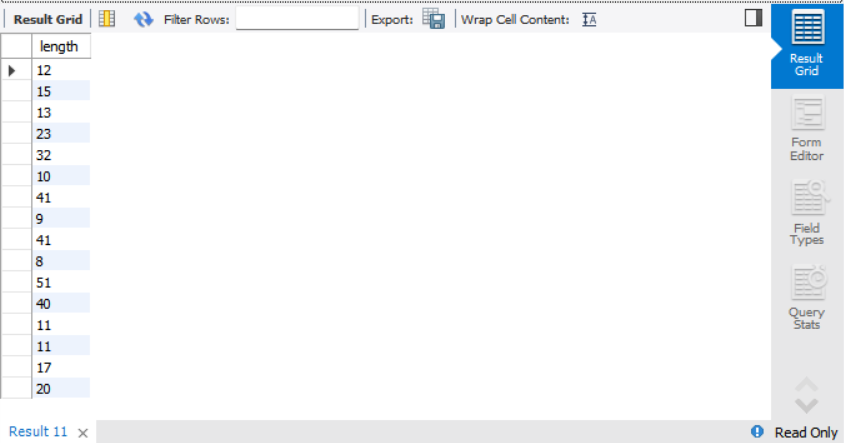
책 제목 길이는 12
select concat( '책 제목 길이는', char_length(title) ) as length
from books;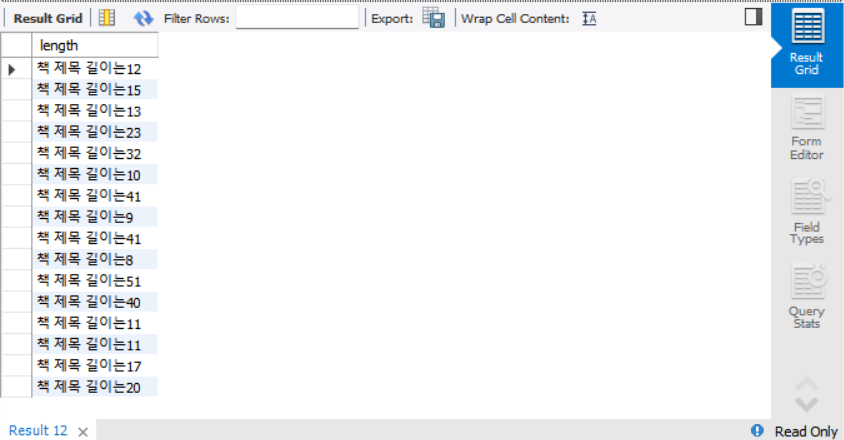
UPPER( ) , LOWER( )를 활용해서 Selecting 하기
대문자 변경
select upper(title)
from books;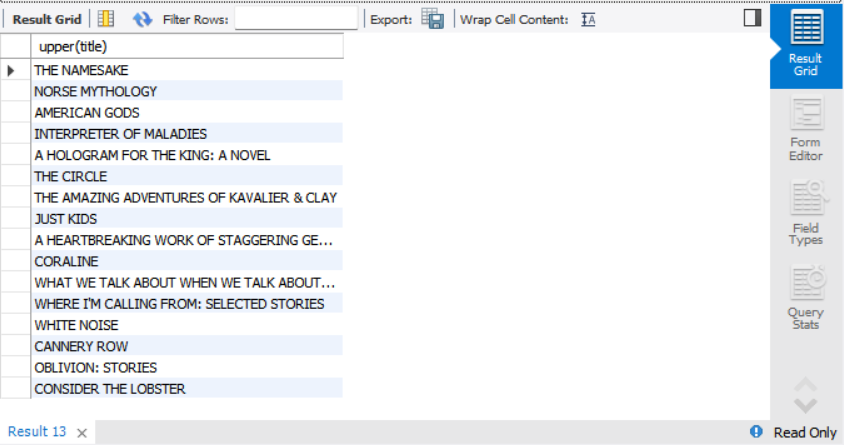
소문자 변경
select lower(title)
from books;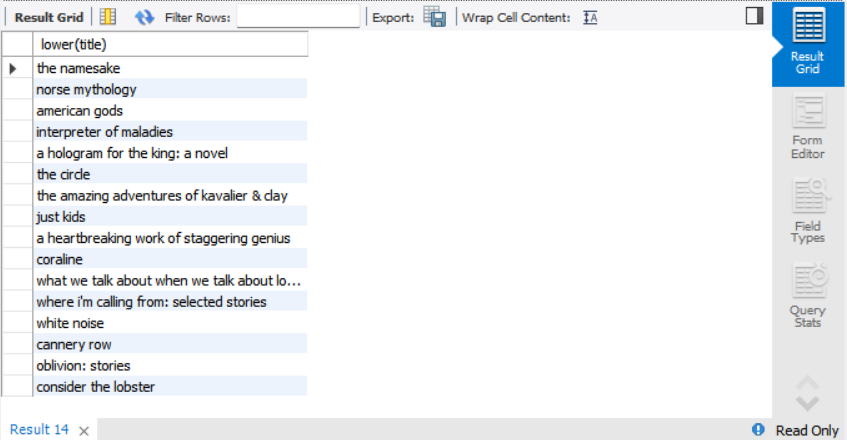
- ( / / / / / / )
반응형
'TOOL > MySQL' 카테고리의 다른 글
| MySQL - DELETE (0) | 2022.05.15 |
|---|---|
| MySQL - UPDATE (0) | 2022.05.15 |
| MySQL - Data Insert (0) | 2022.05.14 |
| MySQL - MySQL Workbench Create Table (0) | 2022.05.14 |
| MySQL - Windows MySQL Workbench Install (0) | 2022.05.13 |


